You’re lying awake at 2 AM, wondering if that noise was just the cat—or an intruder testing your back door. With home break-ins occurring every 26 seconds in the US, selecting the right security system isn’t about fancy gadgets—it’s about creating real protection that matches your specific home and lifestyle. This guide cuts through marketing hype to show exactly how to evaluate your property’s vulnerabilities, choose between DIY and professional systems, and avoid the common pitfalls that leave even “protected” homes exposed.
Whether you’re a renter in a small apartment or a homeowner with a multi-story estate, you’ll discover precisely how to identify weak entry points, determine which monitoring model actually saves lives during emergencies, and calculate the true three-year costs before committing. Let’s build your personalized security solution—without wasting money on features you’ll never use.
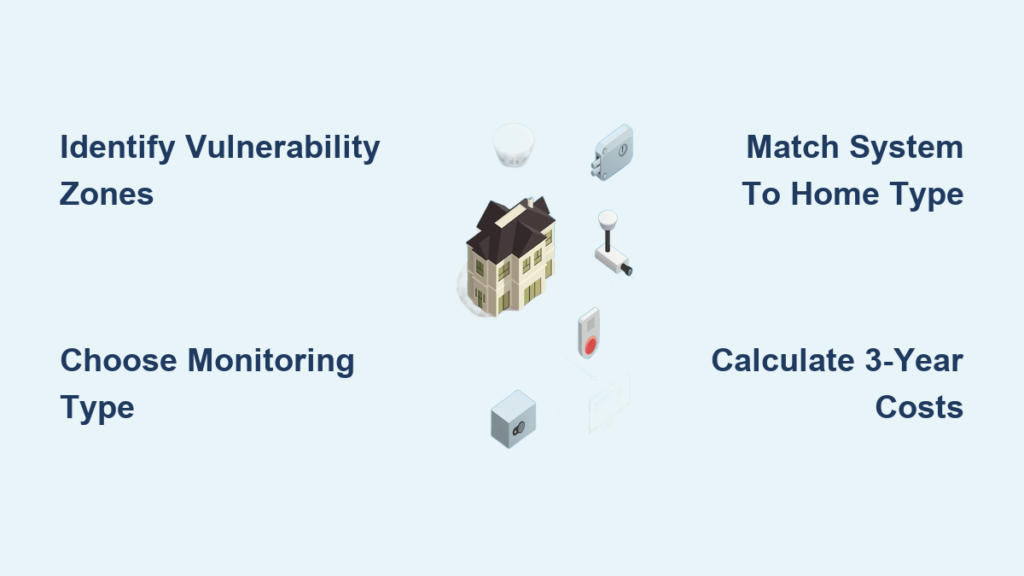
Identify Your Home’s Critical Vulnerability Zones
Before comparing systems, you need to see your property through a burglar’s eyes. Most intruders target ground-level entry points that offer quick access and escape routes, often bypassing expensive security setups that miss these weak spots.
Pinpoint Your Most At-Risk Entry Points
Conduct your vulnerability assessment at dusk when shadows create natural hiding spots. Focus on these high-risk areas that professional installers test during site surveys:
- Ground-floor windows behind shrubs or fences that block neighbor visibility
- Sliding patio doors with flimsy latches easily bypassed by credit cards
- Detached garages containing tools burglars use to break into your main house
- Basement egress windows hidden from street view but accessible from yards
- Hidden corners where multiple properties meet with no natural surveillance
Document Environmental Challenges Affecting System Performance
Your home’s unique construction directly impacts which security technology will work. Older homes with thick plaster walls can reduce wireless sensor range by 30-50%, while vaulted ceilings may require specialized motion detector mounting to avoid blind spots.
Record these critical factors before shopping:
– Power outage frequency in your area (determines battery backup needs)
– Cellular signal strength in basements or rural locations
– Wi-Fi congestion from neighboring networks causing interference
– Extreme temperatures that rapidly drain sensor batteries
Determine Your Actual Security Needs (Not Marketing Hype)
Your system should match real risks—not fear-based marketing. Most homeowners overspend on unnecessary features while missing critical protections that would actually prevent break-ins.
Choose Between Basic Deterrence and Full Intrusion Detection
Basic burglary deterrence ($150-400 total) works for low-crime neighborhoods and includes:
– Door/window sensors with 3/8″ gap tolerance
– 85-105 dB siren that triggers immediately on breach
– Simple smartphone app for arming/disarming
Full intrusion detection adds life-saving components:
– Pet-immune motion sensors covering interior pathways
– Professional monitoring with 3-7 minute police dispatch
– Glass-break detectors for ground-floor windows
– e911 geo-routing that directs emergency responders to your exact location
Prioritize Life Safety Features Based on Your Household
Don’t assume all security systems protect against more than break-ins. Verify these critical integrations:
- Fire protection: UL-certified smoke listeners that detect alarm patterns (not just smoke)
- Carbon monoxide monitoring: Essential for homes with gas appliances or attached garages
- Flood sensors: Prevent $15,000+ water damage near water heaters and washing machines
- Medical alerts: Waterproof panic pendants with fall detection for elderly residents
Select Your System Architecture: Wired, Wireless, or Hybrid

Your home’s construction and your technical skills determine which system type will actually work long-term—not which one looks best in ads.
Wireless Systems: Best for Renters and Retrofits
Wireless security systems install in 1-3 hours with peel-and-stick sensors and offer maximum flexibility. They work well in most homes but require attention to these critical factors:
- Range limitations: Z-Wave 700-series extends coverage to 300-600 feet in open areas
- Battery schedules: Contact sensors last 3-5 years; key fobs need replacement every 2-3 years
- Interference risks: Microwave ovens and baby monitors can disrupt signals on crowded 2.4 GHz bands
Pro Tip: Place your base station near your Wi-Fi router but away from large metal objects that block signals. Add range extenders ($25-50) if you have dead zones.
Wired Systems: Maximum Reliability for Permanent Installations
Hardwired systems provide tamper-proof security ideal for new construction or whole-home renovations. They eliminate battery replacement schedules but require:
- Professional installation only (no DIY options)
- Running low-voltage wiring through walls
- Minimum 30-minute site evaluation to map sensor locations
The tradeoff: You’ll pay $120-$600 for installation but gain immunity to RF jamming and internet outages that disable wireless systems.
DIY vs Professional Installation: The Real Cost Comparison

The $200-$600 installation fee question depends on your skills and what you’ll miss by going the DIY route.
DIY Installation Reality: What You Can and Can’t Handle
Do it yourself if you can:
– Follow smartphone app instructions without assistance
– Accurately measure 7-foot mounting heights for pet-immune motion sensors
– Replace CR2032 batteries in contact sensors every 3-5 years
You’ll likely miss these professional touches:
– Wireless range testing to eliminate dead zones
– Sensitivity tuning that reduces false alarms by 60%
– Optimal sensor placement based on floorplan traffic patterns
– Firmware configuration for smart home automation
Most DIY installations take 1-3 hours for starter kits but often require troubleshooting that adds significant hidden time.
Professional Installation Benefits Worth the Cost
During the standard 30-60 minute evaluation, technicians:
– Map exact sensor locations using signal strength meters
– Test motion detector coverage while walking typical intruder paths
– Configure pet immunity settings based on your animals’ weights
– Train all household members on proper arming sequences and duress codes
The result: Systems installed by professionals experience 40% fewer false alarms and provide more reliable coverage.
Professional Monitoring vs Self-Monitoring: Which Actually Saves Homes
Monthly monitoring fees aren’t just about alerts—they determine whether police arrive before damage occurs.
Professional Monitoring: What $20-30/Month Actually Buys
UL-certified monitoring centers provide critical services self-monitoring can’t match:
– Average police dispatch time of 3-7 minutes (vs 15+ minutes for self-monitored)
– Two-call verification process that reduces false alarm fines by 80%
– Cellular backup that works during internet or power outages
– e911 geo-routing that directs emergency responders to your exact location
Hidden costs to budget for:
– City alarm permits ($0-50 annually)
– False alarm fines ($50-200 after third offense)
– Early contract cancellation (75-100% of remaining balance)
Self-Monitoring Truths Every Homeowner Should Know
You become the security guard—meaning missed notifications during dead phone batteries or “Do Not Disturb” mode create dangerous gaps. However, hybrid options let you activate professional monitoring only during vacations for about $20 per week.
Self-monitoring works best if:
– You’re home most of the time
– Your smartphone never leaves your side
– You have reliable cellular coverage at all times
Calculate Your True 3-Year System Cost (Avoid Hidden Fees)
Smart shoppers save 30-50% by timing purchases correctly and avoiding subscription traps.
Budget-Friendly Purchase Timing
Best buying windows:
– Black Friday: 20-40% off starter kits (Wyze, Ring)
– Prime Day: Historical lows on Blink, Eufy, and Arlo
– February clearance: Last year’s models discounted 30% when new versions launch
Negotiation tactics that work:
– Request activation fee waivers (frequently granted in Q4)
– Ask for price matching plus 10% difference at Best Buy/Home Depot
– Choose Costco bundles that include free cameras and monitoring trials
Real 3-Year Cost Comparison
DIY Path Reality:
– Starter kit: $200
– 6 extra sensors: $150
– 2 cameras: $200
– Cloud storage: $10/month
– 3-year total: $1,170
Professional Path Reality:
– Equipment: $0 with contract
– $55/month monitoring
– $99 activation fee
– 3-year total: $2,079
Monthly Maintenance Tasks That Prevent System Failure
Your security system is only as reliable as your maintenance routine. Skip these steps and you’ll discover dead sensors during actual emergencies.
Critical Battery Replacement Schedule
- Contact sensors: 3-5 years (set calendar reminders)
- Key fobs: 2-3 years
- Smoke listeners: Annually (replace with lithium CR123A for cold climates)
- Outdoor sensors: 1-2 years (extreme temperatures accelerate drain)
Essential System Checks
- Clean motion sensor lenses with compressed air every 6 months
- Test all devices monthly using app test mode
- Update firmware quarterly (enable auto-update)
- Verify emergency contact information after family changes
Final Decision Checklist: Match Your Situation to the Right System
Still overwhelmed? Use this quick reference based on real homeowner scenarios:
| Your Situation | Recommended System | 3-Year Cost |
|---|---|---|
| Renter, apartment | Wyze kit + 2 cameras | $350 |
| Homeowner, 3-bedroom | Ring 14-piece + doorbell | $1,200 |
| Large estate | Vivint with 8 cameras | $3,000+ |
| Senior on budget | SimpliSafe + medical pendant | $900 |
Your home’s security isn’t a luxury—it’s insurance against becoming tomorrow’s break-in statistic. Install your system this weekend using these proven guidelines, and sleep better knowing you’ve created real protection tailored to your actual risks. The most expensive mistake isn’t overspending—it’s waiting until after a break-in to take action.